
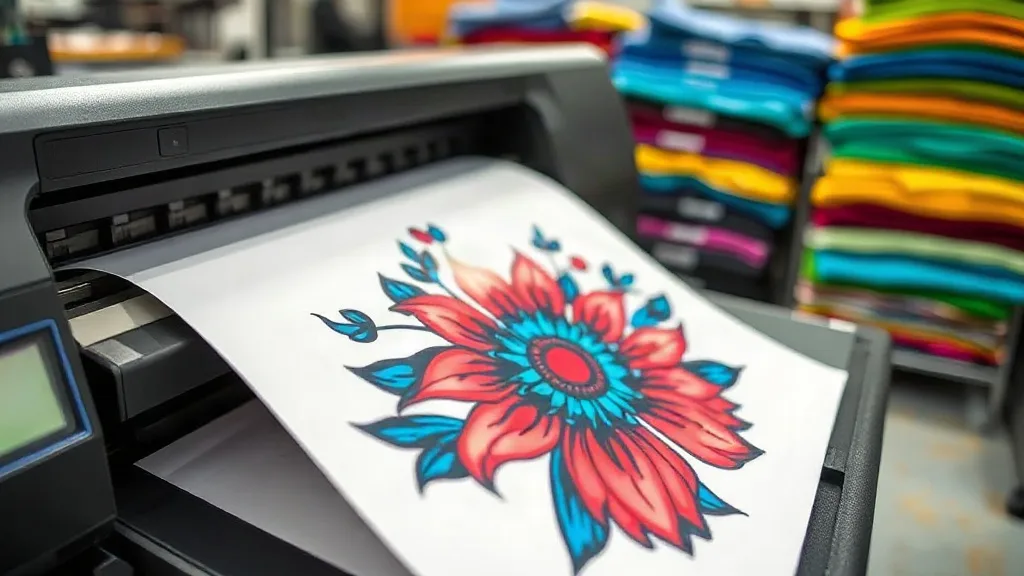
When it comes to dtf transfers, color accuracy and vibrancy can make or break a design. Whether you're a hobbyist or a professional printer, achieving consistent, eye-catching colors is essential for customer satisfaction and repeat business. In this guide, we'll dive deep into the factors that influence color output in DTF printing and share practical tips to help you master color accuracy and vibrancy.
Understanding Color in DTF Printing
DTF (Direct to Film) printing involves transferring a design printed on a special film onto fabric using heat and pressure. The process relies on pigment-based inks and a thermoplastic polyurethane (TPU) powder to create durable, flexible prints. Unlike other printing methods, DTF can produce highly detailed, full-color images on a wide range of fabrics, including cotton, polyester, and blends. However, achieving accurate and vibrant colors requires a solid understanding of color management, printer settings, and material interactions.
The Role of Color Profiles
Color profiles are the backbone of color accuracy. They define how colors are interpreted and reproduced across devices. In DTF printing, using the correct ICC profile for your printer, ink, and film combination is crucial. Without a proper profile, colors may appear dull, shifted, or oversaturated. Most DTF printer manufacturers provide ICC profiles tailored to their equipment, but you may need to create custom profiles for specific substrates or ink brands. Investing in a spectrophotometer and color management software can help you build accurate profiles and maintain consistency.
Printer Calibration and Maintenance
Even with the right profiles, your printer's condition affects color output. Regular maintenance, such as cleaning printheads, checking ink levels, and aligning printheads, ensures optimal performance. Calibration routines, including nozzle checks and color calibration prints, help identify issues before they affect production. Consistent maintenance not only preserves color accuracy but also extends the life of your printer.
Factors Affecting Color Vibrancy in DTF Transfers
Vibrancy is about making colors pop, and several factors influence how vivid your DTF prints appear. Let's explore the key elements.
Ink Quality and Type
Not all DTF inks are created equal. High-quality pigment inks offer better color saturation and durability. Cheaper inks may save money upfront but can lead to faded or inconsistent results. Always source inks from reputable suppliers and ensure they are compatible with your printer and film. Additionally, shake ink cartridges before use to ensure proper pigment dispersion.
Film and Powder Selection
The film and powder you use play a significant role in color vibrancy. Low-quality film may not hold ink properly, leading to dot gain and muddy colors. Similarly, the powder must match the ink and film for optimal adhesion and color development. Experiment with different brands to find the combination that delivers the best results for your workflow.
Fabric Characteristics
The fabric you transfer onto affects color appearance. Light-colored fabrics allow colors to appear brighter, while dark fabrics can mute vibrancy unless a white ink base is used. For dark garments, ensure your DTF printer is equipped with white ink and that the white layer is properly applied. Also, consider fabric texture: smooth surfaces like polyester show details sharply, while textured fabrics like cotton may require adjustments in ink density.
Best Practices for Color Management
Implementing a robust color management workflow is key to consistent, vibrant DTF transfers. Follow these best practices to streamline your process.
1. Use a Color-Managed Workflow
Start with a calibrated monitor and use design software that supports color profiles. When preparing files, convert them to the correct color space (typically Adobe RGB or sRGB) and embed the ICC profile. Soft-proof your designs to simulate how they will appear when printed.
2. Test and Adjust
Before production, print test swatches on the actual fabric you'll use. Compare the printed colors to your digital proof and adjust as needed. Keep a log of settings and results for future reference.
3. Control Environmental Factors
Temperature and humidity can affect ink behavior and color output. Maintain a stable environment in your print room, ideally between 20-25°C (68-77°F) and 40-60% relative humidity.
4. Train Your Team
Ensure everyone involved in the printing process understands color management principles and follows established procedures. Regular training and updates on new techniques keep your team sharp.
Common Color Issues and How to Fix Them
Even with careful management, color problems can arise. Here are some common issues and their solutions.
Faded or Dull Colors
Possible causes include expired ink, clogged printheads, or incorrect color profiles. Run a nozzle check, replace old ink, and verify your ICC profile settings.
Color Shifts (e.g., Red Looking Orange)
This often indicates a profile mismatch or ink contamination. Recalibrate your printer and ensure you're using the correct profile for your ink and film combination.
Inconsistent Colors Between Prints
Inconsistency can stem from environmental fluctuations or inconsistent powder application. Standardize your process and monitor conditions closely.
Choosing the Right DTF Supplies for Color Excellence
Your supplies directly impact color quality. When sourcing dtf transfers near me, prioritize suppliers who offer consistent, high-quality products and provide technical support. Look for inks with high pigment concentration, films designed for your printer model, and powders that ensure smooth adhesion. Reading reviews and requesting samples can help you make informed decisions.
Frequently Asked Questions
How can I ensure my DTF transfers have vibrant colors on dark fabrics?
Use a printer with white ink capability and apply a sufficient white underbase. Adjust your color profiles to account for the white layer, and test on actual fabric to fine-tune settings.
What is the best way to store DTF inks to maintain color accuracy?
Store inks in a cool, dark place away from direct sunlight. Keep cartridges sealed until use, and shake them well before installation. Avoid extreme temperatures.
Can I use generic ICC profiles for my DTF printer?
Generic profiles may work as a starting point, but custom profiles created with a spectrophotometer yield the best results. They account for your specific printer, ink, and film.
How often should I calibrate my DTF printer for color accuracy?
Calibrate after any hardware changes, ink batch changes, or if you notice color inconsistencies. A monthly calibration routine is recommended for high-volume production.
What are the signs of poor-quality DTF film that affects color?
Signs include uneven ink absorption, curling, or visible defects. Poor film can cause dot gain, color shifting, and poor adhesion. Always source from reputable suppliers.
Mastering color accuracy and vibrancy in DTF transfers is an ongoing process. By understanding the variables and implementing consistent practices, you can achieve stunning, reliable results that keep customers coming back. Remember, quality supplies and a disciplined workflow are your best allies in the pursuit of perfect color.